
TL;DR
Razer's Aether Monitor Light Bar offers a sleek, space-saving solution for monitor lighting, with a forward-facing desk lamp and rear RGB. While it effectively reduces eye strain and provides customizable desk illumination, the review highlights issues with Razer Synapse and the Chroma App, which can be complex and lack intuitive device grouping. Glare on glossy keyboards is also a concern, and the RGB intensity could be better. Despite these software quirks and potential glare, the hardware itself is well-built and provides good value. Discover if these features make it the perfect addition to your setup!
As a follow-up to our review of Razer Aether Standing Light Bars, we continue our exploration of Razer’s lighting solutions for monitors, with this review focusing on the Razer Aether Monitor Light Bar. Unlike desk-mounted lamps, this unit is designed to hang directly on your monitor, a design approach shared with products like the Logitech MX Brio.
(Photo: senses.se)
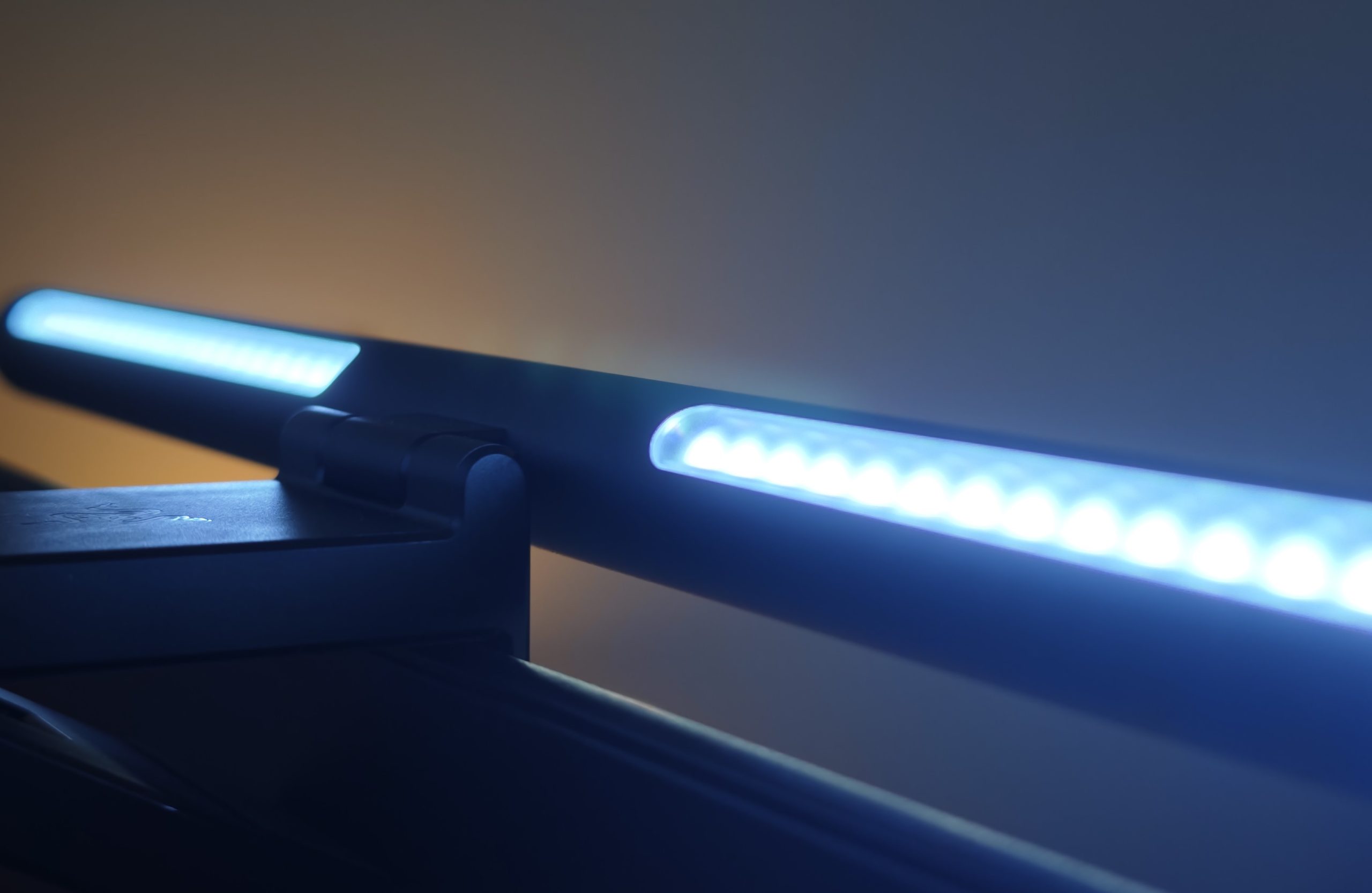
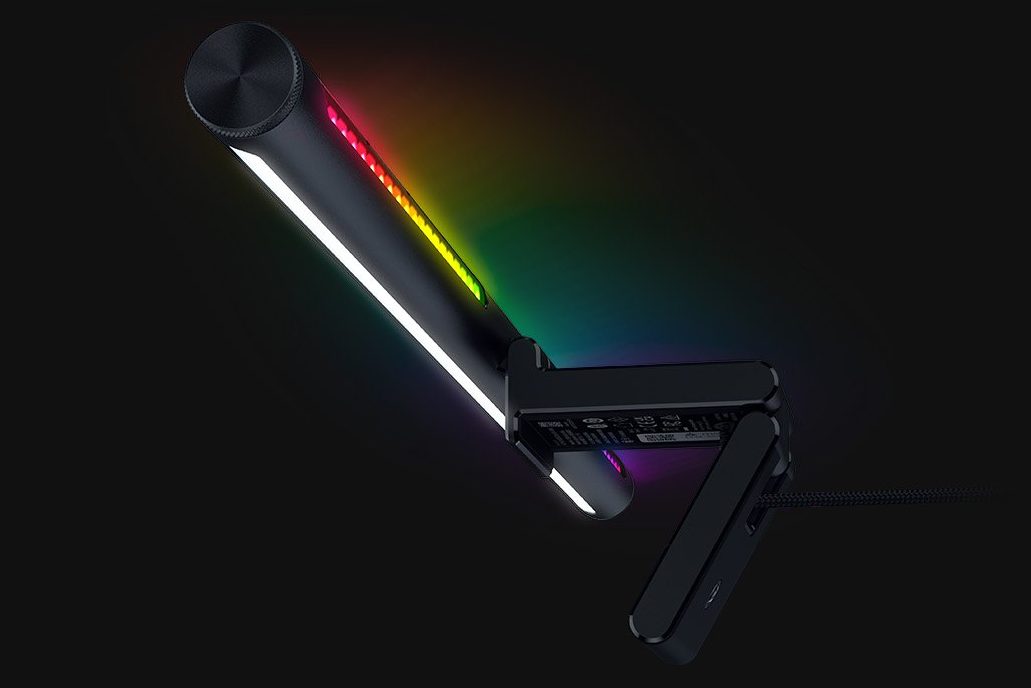
This light bar not only provides dynamic, colorful illumination behind your monitor but also features a forward-facing light designed to brighten your desk space. It effectively functions as a desk lamp without occupying valuable desk real estate, or as a sophisticated picture light. However, our experience revealed areas for improvement, particularly concerning the usability of Razer Synapse and the Chroma App.
First Impression – Aether Monitor Light Bar
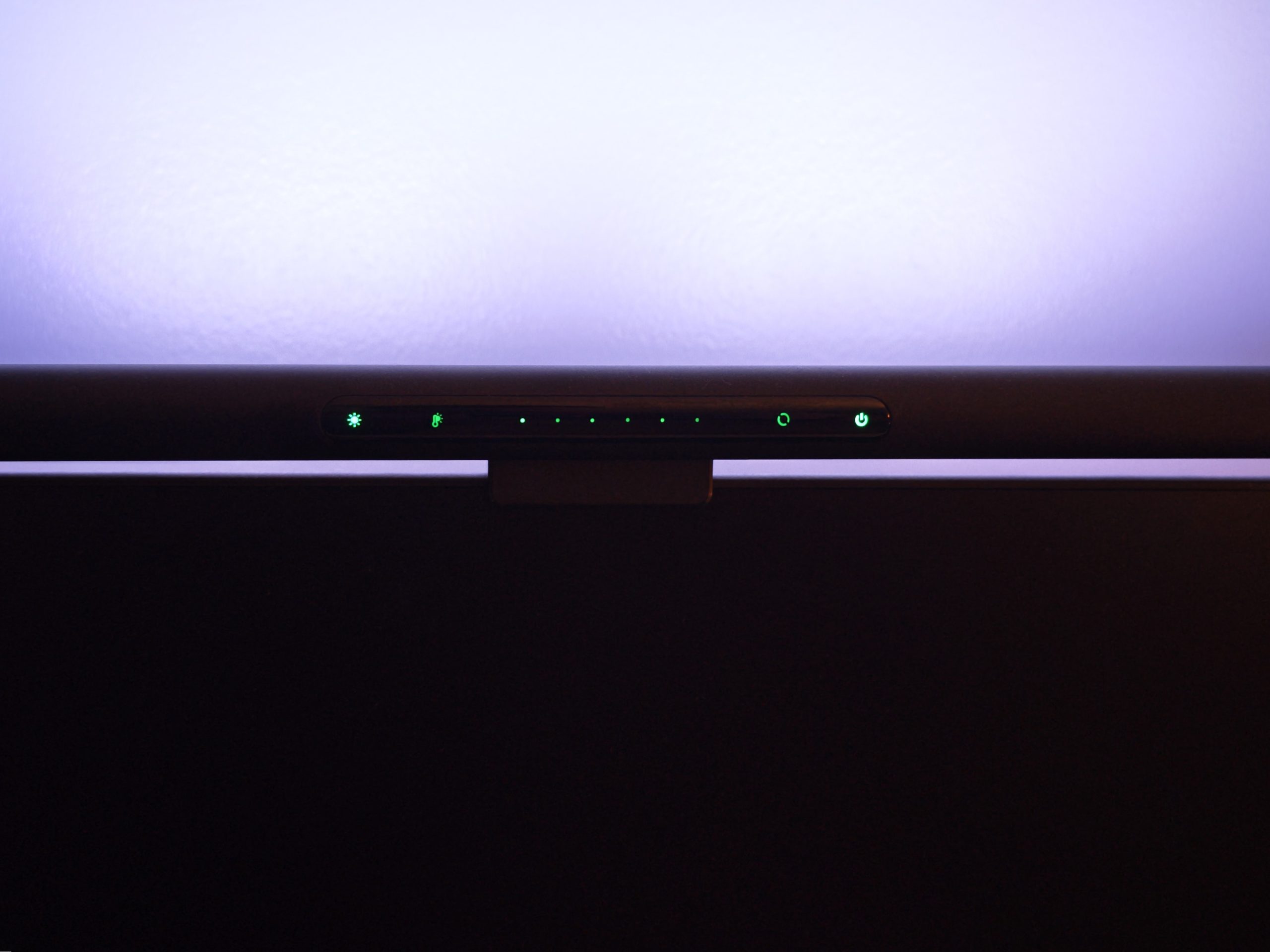
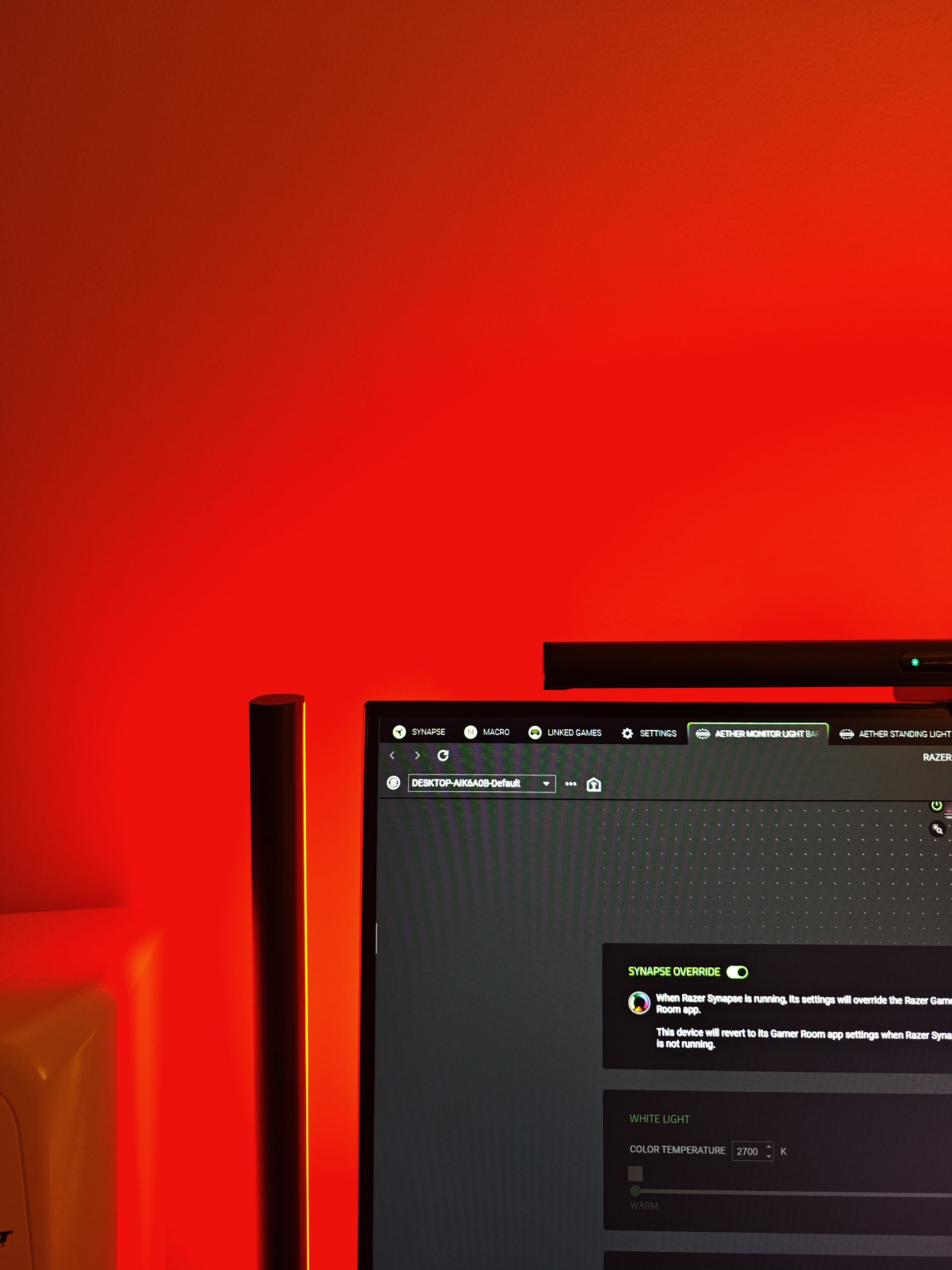
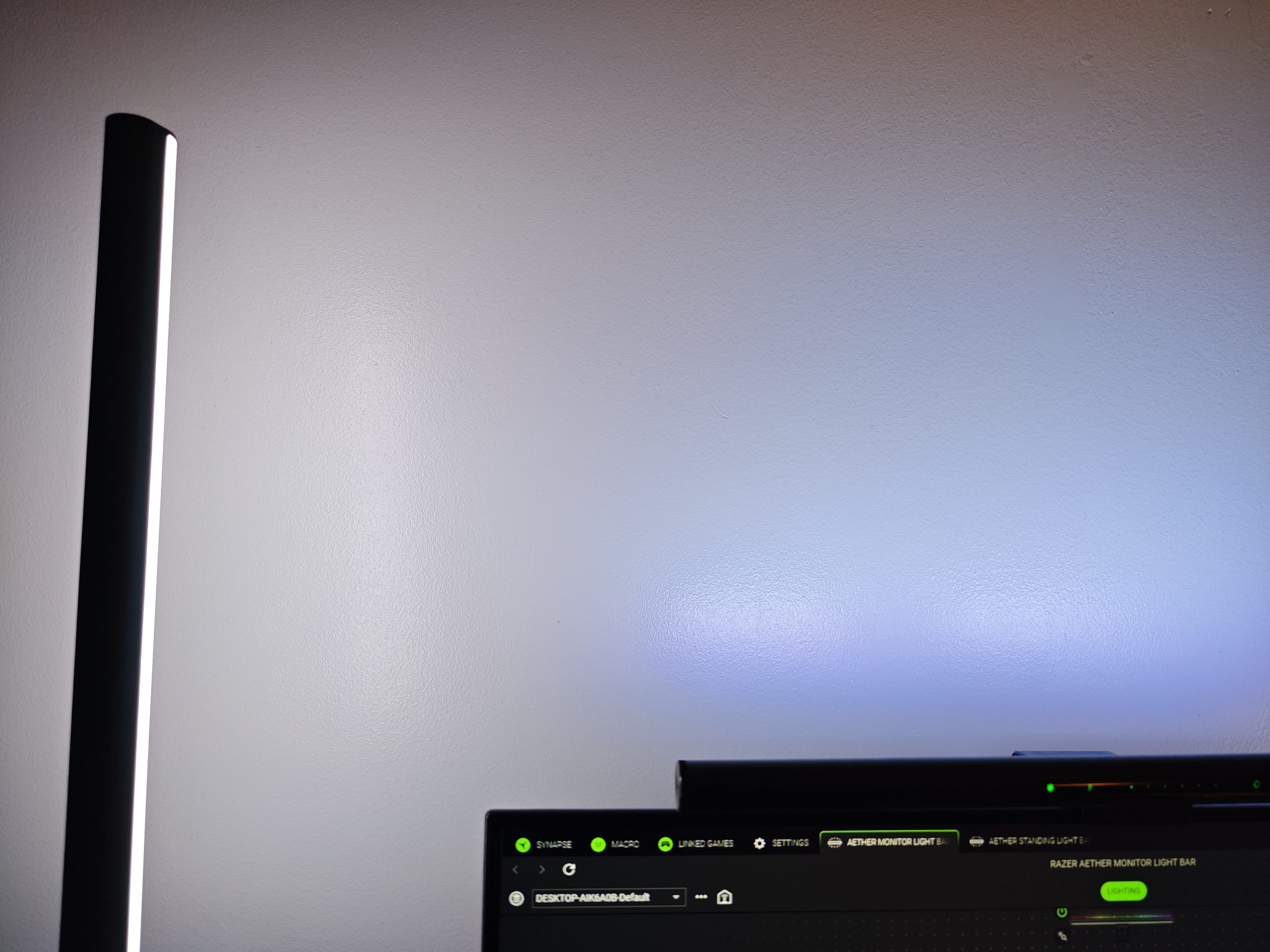
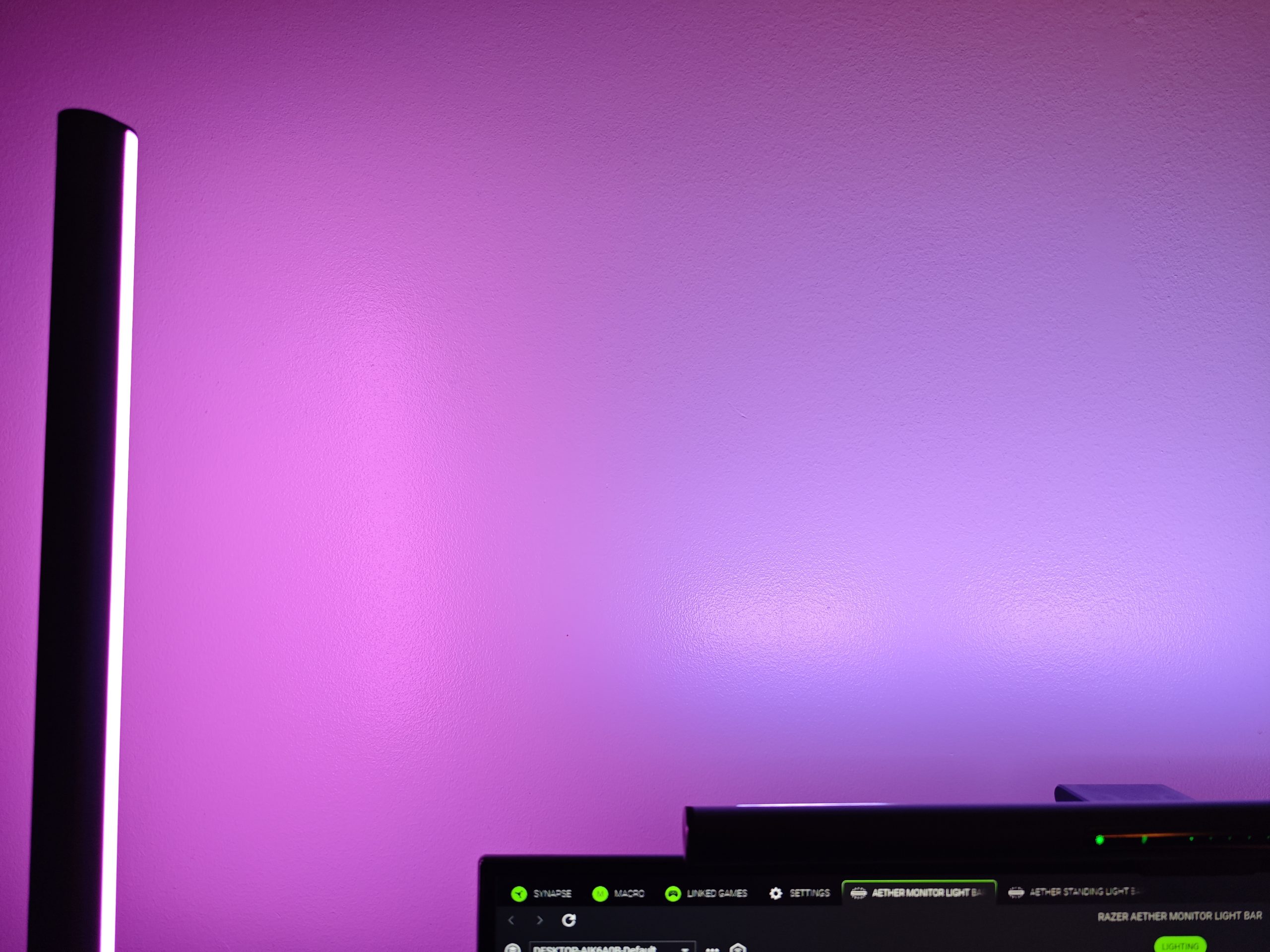
Echoing the Standing Light Bars, the Monitor Light Bar presents an elegant and discreet aesthetic. It can be controlled via Razer Gaming Room, Google Home/Alexa, or directly through the Razer-green panel located on the unit itself. While this panel allows management of most functions, there are two notable exceptions: advanced settings, and the inability to toggle the desk lamp independently of the RGB light. These specific adjustments require the companion app on a smartphone or computer. The desk lamp can, however, be dimmed, and users can also set their desired color temperature for the light. This feature is beneficial for optimizing ambient light to suit various activities, from relaxed to focused work. Below, you can observe the difference between the two hues.
(Photo: senses.se)

(Photo: senses.se)
Overall, the Aether Monitor Light Bar offers a stylish and effective solution for mitigating eye strain caused by stark contrasts in lighting around the display.
Synapse 4 and Chroma App
While a comprehensive dive into Synapse 4 is beyond the scope of this review, further details are available here. However, integrating multiple devices introduces complexities rather than simplifying the user experience. A primary drawback we identified is the requirement for manual synchronization of devices to achieve a consistent static color across multiple units. While extensive options exist for syncing lighting with games or applications, establishing time-based routines, or coordinating illumination across multiple monitors, these advanced configurations do not address the basic synchronization issue. Achieving a unified lighting scheme still necessitates manual adjustments. Notably, Google Home, despite its occasional eccentricities, provides a more intuitive grouping functionality for these devices.
Anticipated Concerns and Discovered Issues
Our primary concern revolved around the desk lamp’s potential to introduce screen interference and distracting reflections. Fortunately, this proved not to be an issue. However, the forward-facing light highlights the need for a more frequent screen cleaning regimen, as dust and minor splashes become more noticeable. This increased visibility means minor imperfections, which might otherwise go unnoticed, become apparent, potentially prompting a full screen clean after inadvertent touches.
(Photo: senses.se)
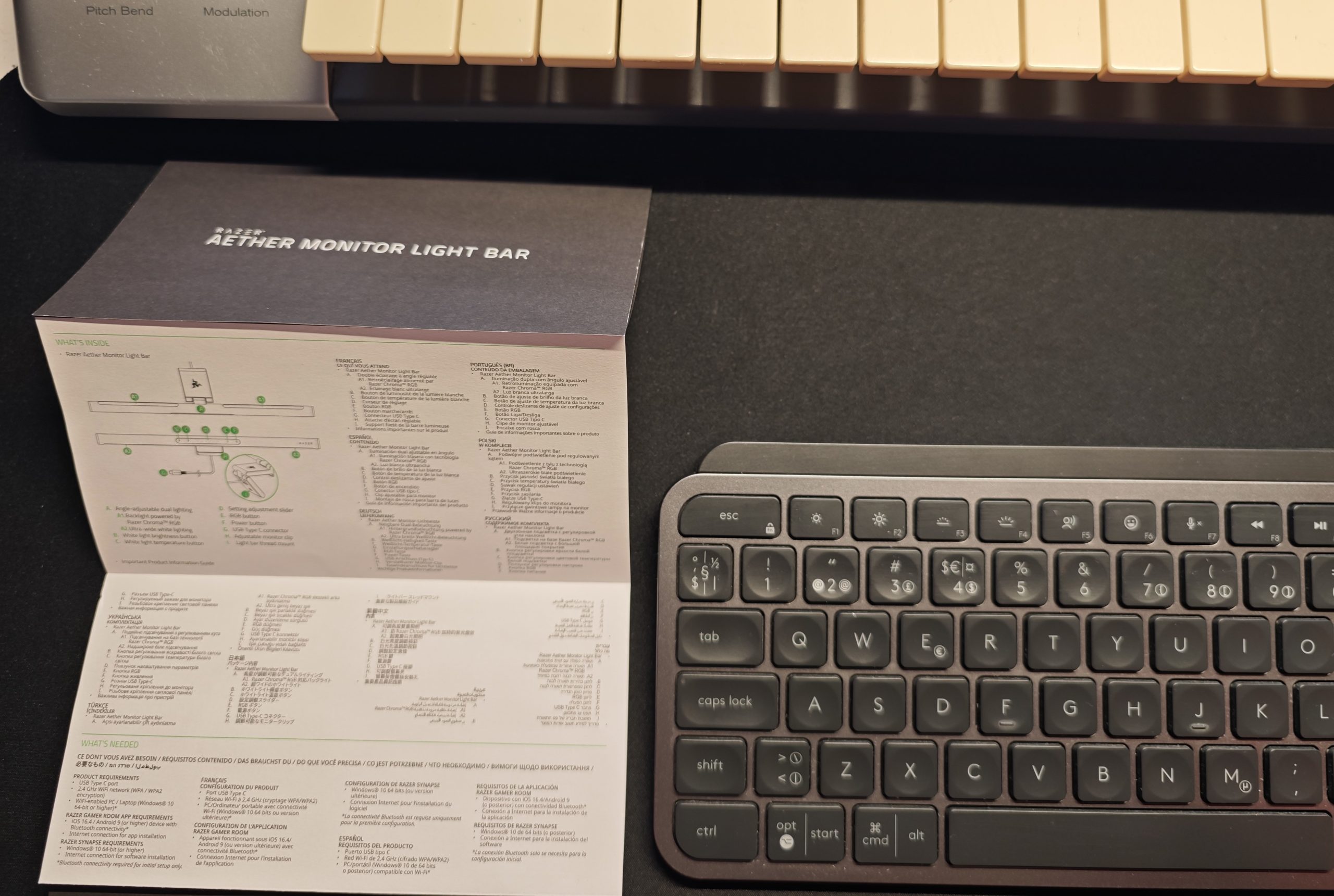
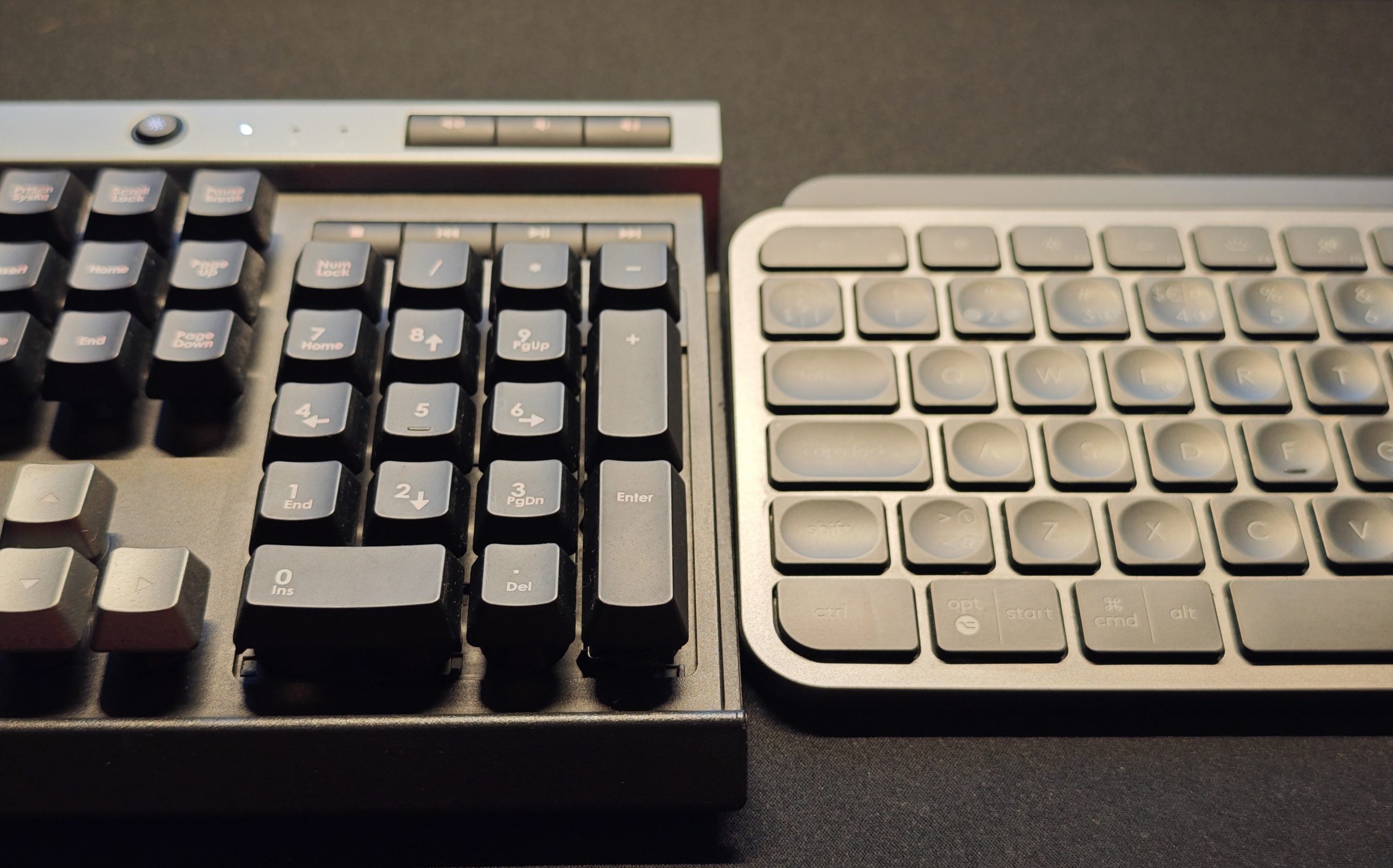
An unforeseen disadvantage is that on certain keyboards with glossy finishes, the desk lamp generates considerable glare, potentially negating its intended illumination benefits. For instance, with the otherwise exceptional Logitech MX Keys S , key visibility is compromised, whereas the Corsair Raptor K30 experiences significantly less impact. This issue is somewhat subjective, influenced by factors such as seating position, screen distance, eye level, and keyboard placement. However, for our primary tester, it consistently presented a minor inconvenience.
(Photo: senses.se)
(Photo: senses.se)
Furthermore, we observed that the RGB lighting on the Monitor Light Bar exhibits certain default color profiles that diverge from those on the Standing Light Bars under identical settings. This inconsistency is not universal across all colors, but in specific instances, the Monitor Light Bar produces a more bluish luminescence. Additionally, its intensity and physical footprint are notably smaller than the Standing Light Bars.
The Bottom Line – Aether Monitor Light Bar
Synapse 4, despite its considerable capabilities, regrettably retains a degree of complexity that can impede user control. While optimal control is achieved when all lights are connected to and managed by a single device, this dependency should ideally not be a limiting factor. However, this limitation is attributable to the software ecosystem rather than the Monitor Light Bar itself. The lamp hardware, conversely, offers convenient operation, and advanced configurations (when navigating Synapse 4) are relatively straightforward. The rear-facing RGB light is aesthetically pleasing, though its intensity could be enhanced. The integrated desk lamp concept is ingenious, notwithstanding the potential for glare on glossy keyboard surfaces, transforming the desk into a versatile and well-illuminated workspace. For instance, it provides ideal illumination for keyboards during activities like music production.
(Photo: Razer)
Priced at approximately 1,600 SEK, the Aether Monitor Light Bar offers commendable value given its build quality and feature set. Two noteworthy competitors, though untested by us, provide comparable functionality. The BenQ Screenbar Halo 2 (approximately 2,200 SEK) includes a dedicated remote control but features only white backlighting. The Asus ROG Monitor Aura Light Bar (approximately 1,600 SEK) offers broadly similar features, including RGB backlighting. Consequently, the Aether Monitor Light Bar positions itself competitively within the market, neither at the premium nor economy end of the pricing/feature spectrum.
Our final assessment for the Aether Monitor Light Bar largely mirrors that of the Razer Standing Light Bars: we commend its superior lighting, intelligent desk illumination, robust functionality, and impressive build quality.
Razer provided review units for this test. The provider of the material has no editorial influence on our reviews; we always write independently with our readers and consumers in mind.
