
TL;DR
Razer's Aether Monitor Light Bar offers a sleek, desk-space-saving solution for your monitor, combining rear RGB lighting with a front-facing desk lamp. While it effectively reduces eye strain and provides adjustable color temperature for the desk light, setup and control via Razer Synapse can be complex. Be aware of potential glare on glossy keyboards and slightly less vibrant RGB compared to Razer's standing bars. Despite these minor drawbacks, its innovative design and robust build make it a compelling option for enhancing your workspace. Dive into the full review to see if it's the right fit for your setup!
As a follow-up to our test of Razer Aether Standing Light Bars, we are now reviewing Razer’s alternative lighting solution for your monitor, the Razer Aether Monitor Light Bar. Rather than being desk-mounted, this unit attaches directly to your screen, paralleling the design of the Logitech MX Brio.
(Photo: senses.se)
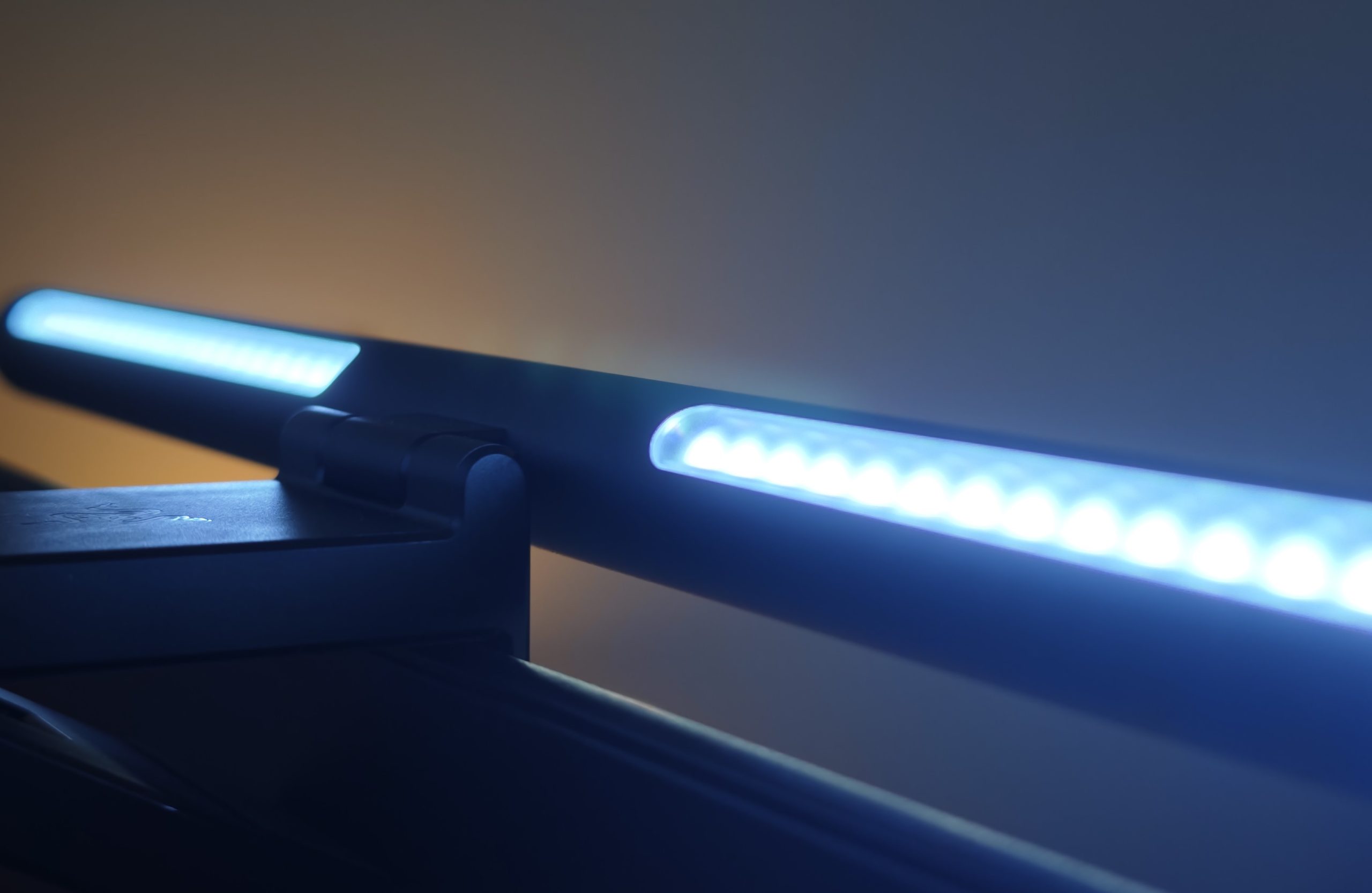
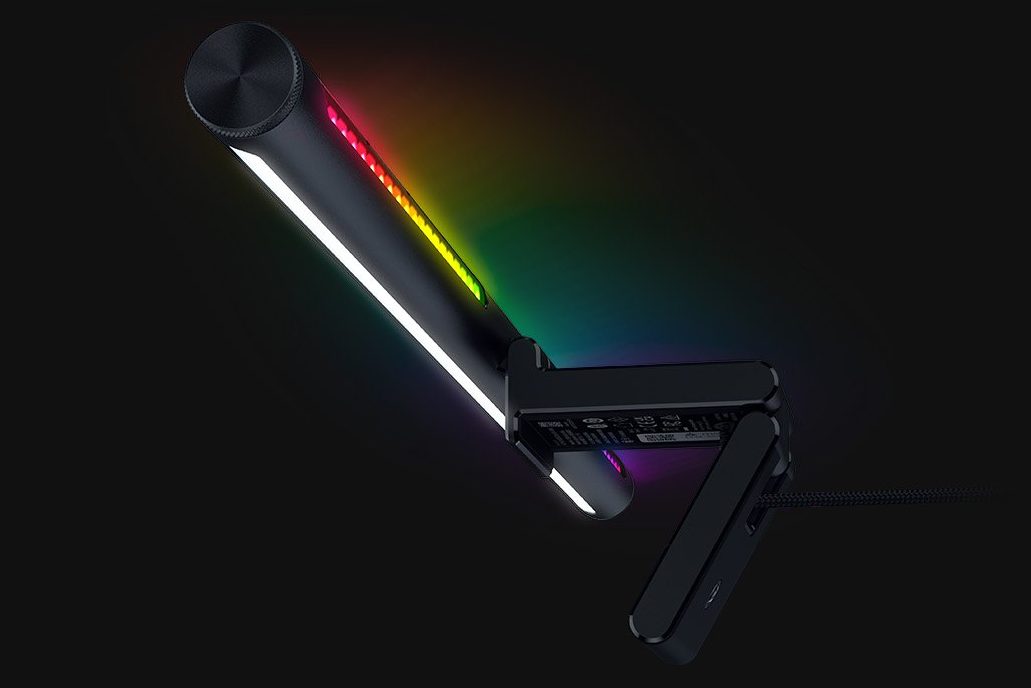
This lamp not only illuminates the back of your screen with vibrant colors but also features a forward-directed light source that brightens your desk. It functions effectively as a classic desk lamp without occupying any desk space, or as a picture light with innovative design elements. However, our testing revealed some areas for improvement, particularly regarding the usability of Razer Synapse and the Chroma App, which could benefit from further refinement.
First Impressions – Aether Monitor Light Bar
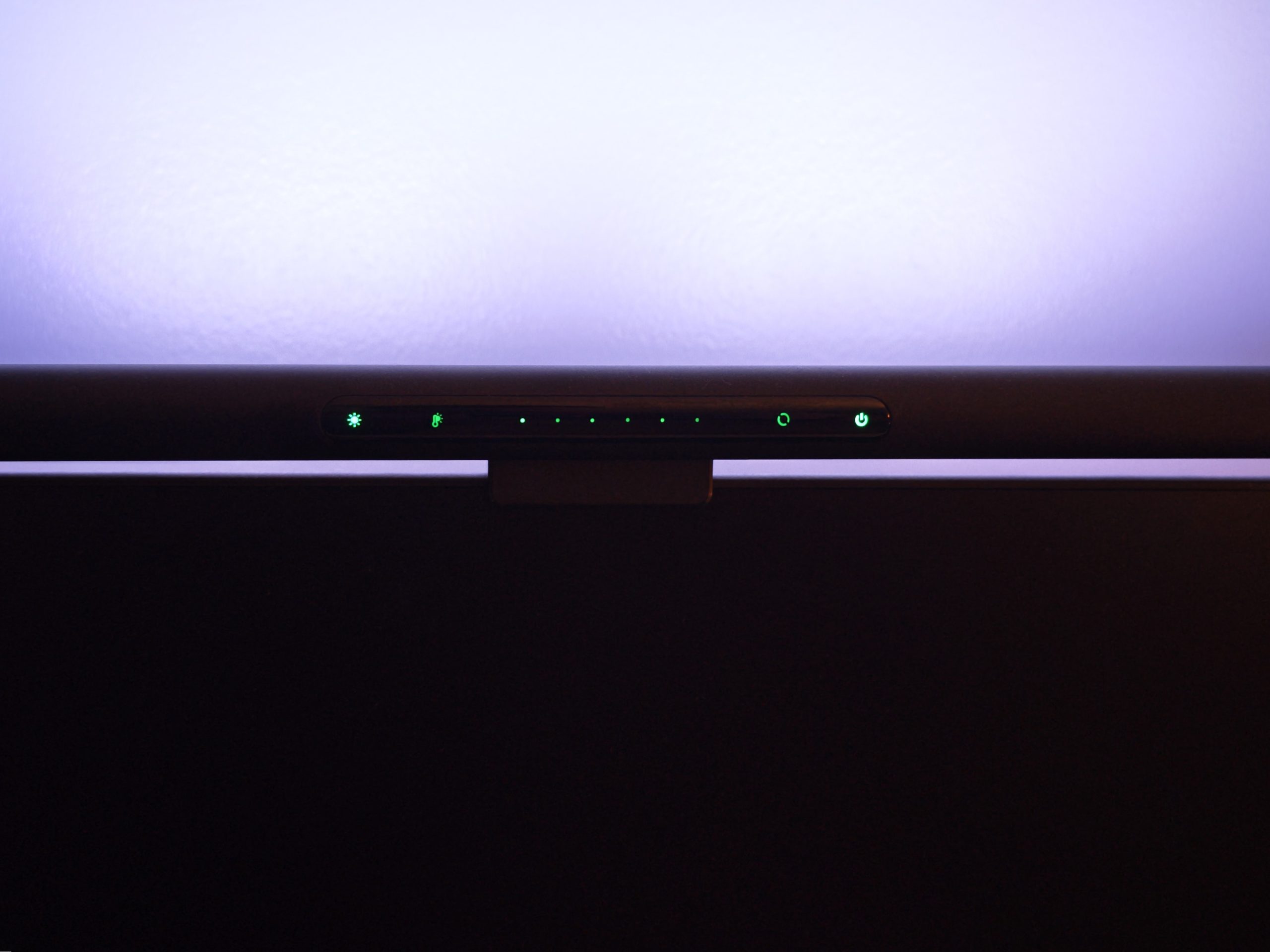
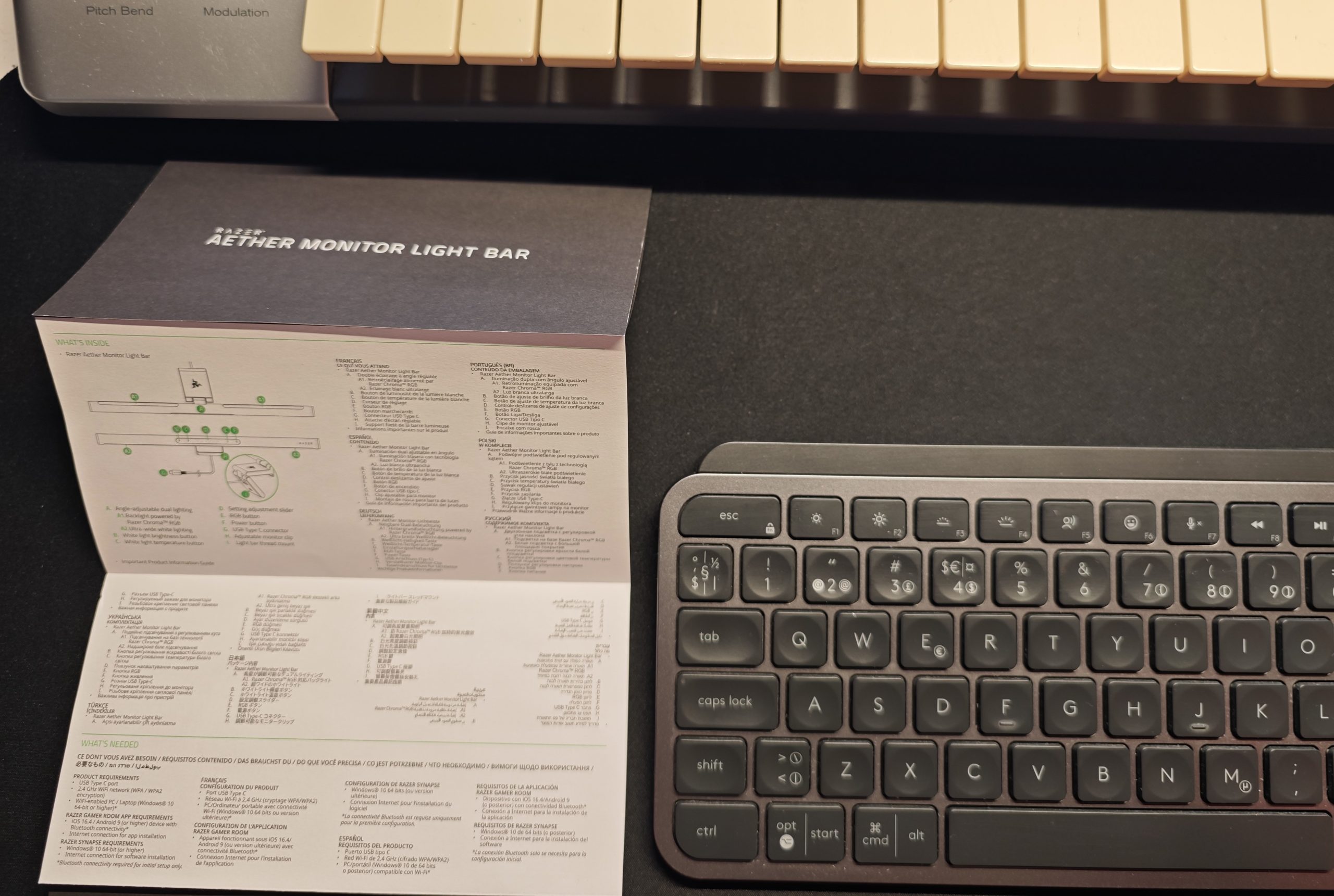
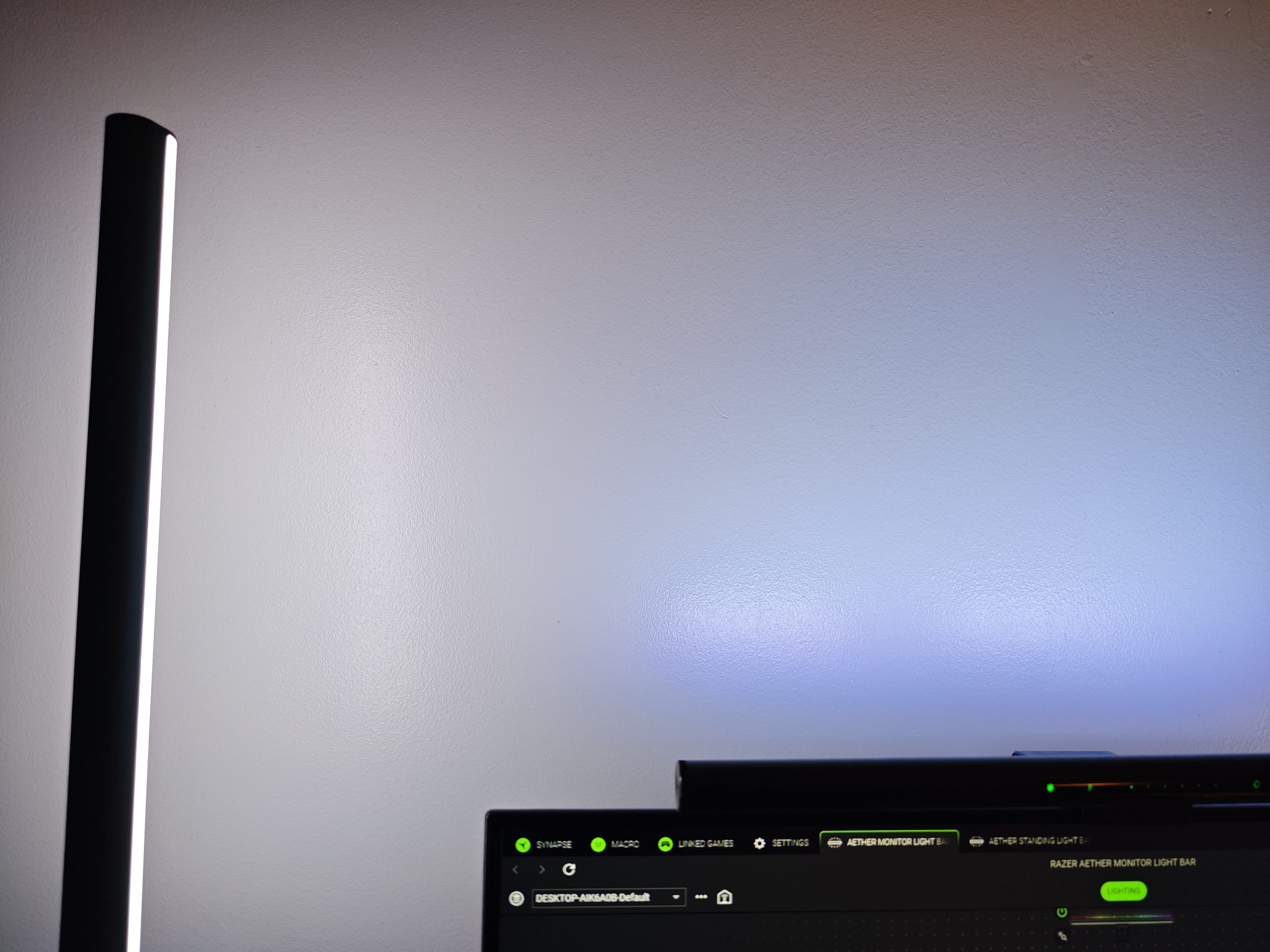
Similar to the Standing Light Bars, the Monitor Light Bar presents an elegant and discreet design. Control options include Razer Gaming Room, Google Home/Alexa, or the dedicated Razer-green panel located on the lamp itself. This panel allows management of all basic functions, with two notable exceptions: advanced settings and, a significant limitation, the inability to independently deactivate the desk light without simultaneously turning off the RGB light. Full independent control requires using the app on your phone or computer. The desk lamp does, however, offer dimming capabilities and adjustable color temperature, a beneficial feature for optimizing the ambiance for both relaxed and productive environments. The following images illustrate the difference between the two color temperatures.
(Photo: senses.se)

(Photo: senses.se)
Overall, the Aether Monitor Light Bar is a stylish and effective solution for mitigating unnecessary eye strain caused by sharp contrasts in light levels around your monitor.
Synapse 4 and Chroma App
We will not extensively detail Synapse 4 in this review, as comprehensive information is available here. However, managing multiple devices introduces complexities rather than simplifying the experience. A significant drawback identified was the necessity of manually synchronizing devices to achieve a consistent static color. While the system offers extensive options for syncing with different games or applications, configuring daily routines, or (for multi-monitor setups with a Monitor Light Bar on each) adjusting screen synchronization, achieving a unified lighting configuration requires manual intervention. Curiously, Google Home, despite its occasional eccentricities, provides a more intuitive method for grouping these devices.
Anticipated Issues and Unforeseen Findings
Our primary concern was the potential for the desk lamp to create screen reflections, thereby disrupting the user experience. Fortunately, this proved not to be an issue. However, the forward-directed light does necessitate a more diligent screen cleaning regimen, as dust and minor splashes become more noticeable. These imperfections might typically go unnoticed until a casual touch inadvertently reveals a ‘clean spot,’ prompting a full screen cleaning.
(Photo: senses.se)
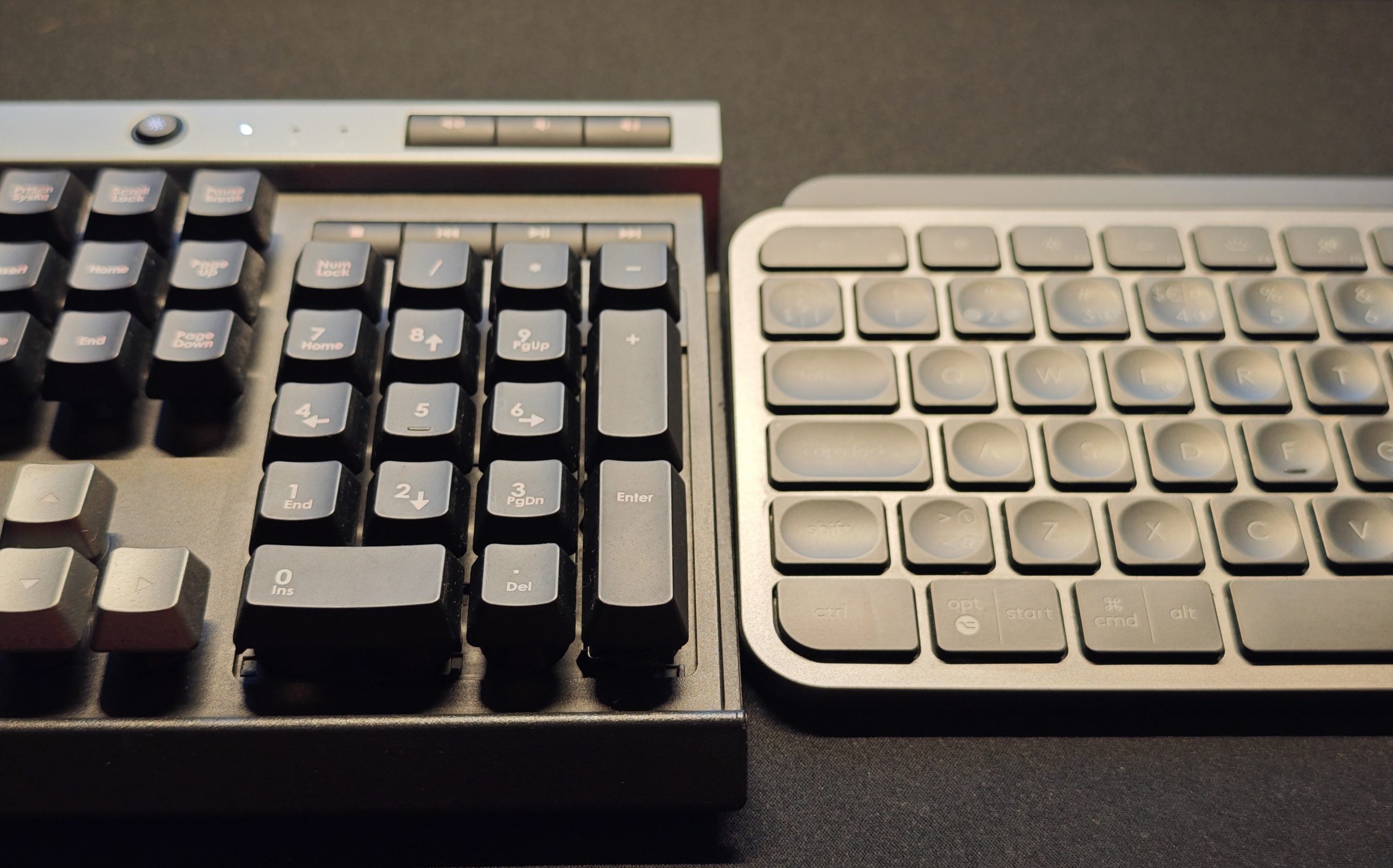
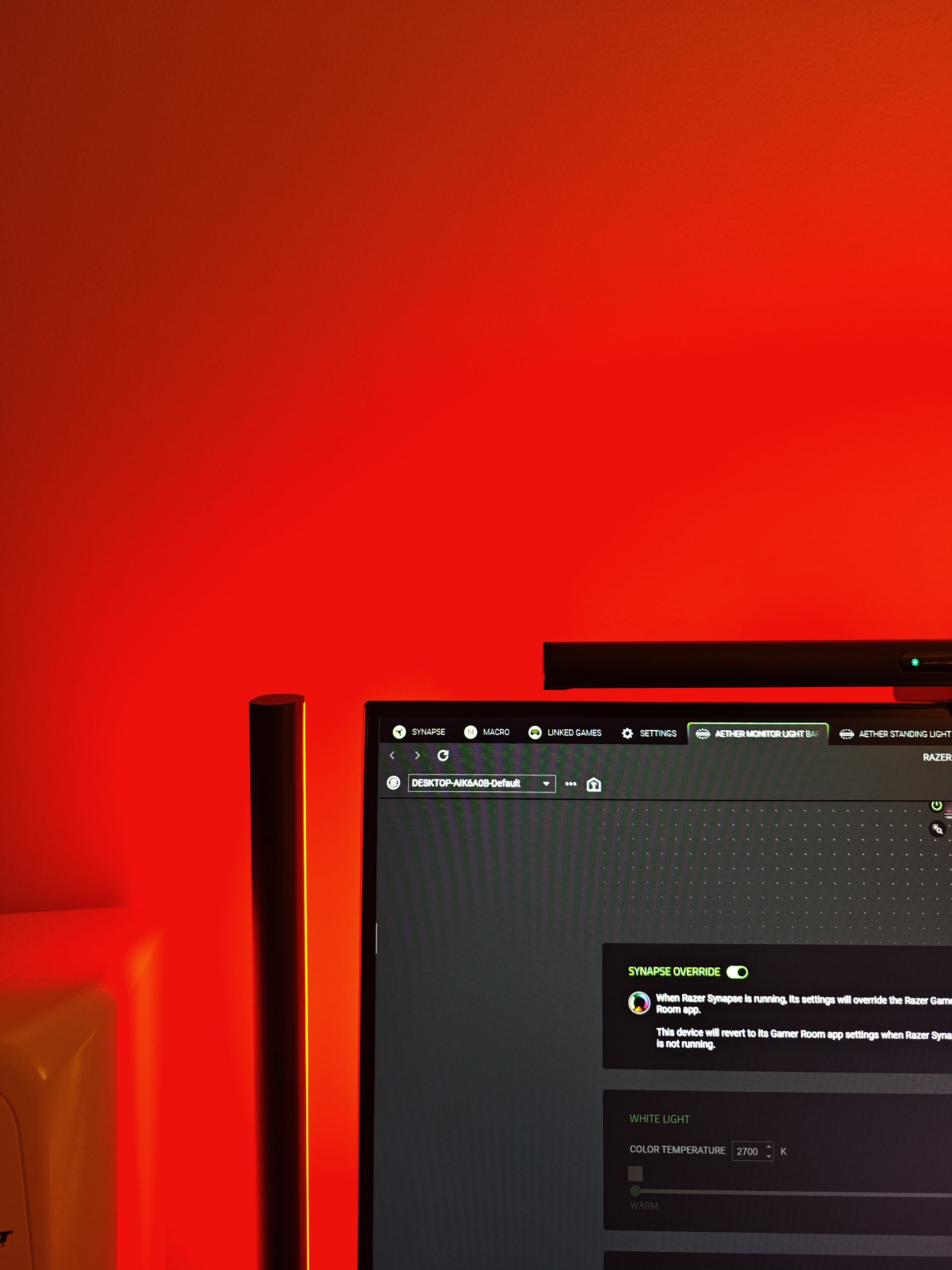
An unforeseen drawback emerged with certain glossy-surfaced keyboards, where the desk lamp’s illumination paradoxically generated significant glare. While it rendered the keys on the otherwise excellent Logitech MX Keys S challenging to discern, the Corsair Raptor K30 remained largely unaffected. This issue is inherently user-dependent, influenced by factors such as sitting posture, screen distance, eye height, and keyboard placement. For our test user, however, this presented a minor inconvenience.
(Photo: senses.se)
(Photo: senses.se)
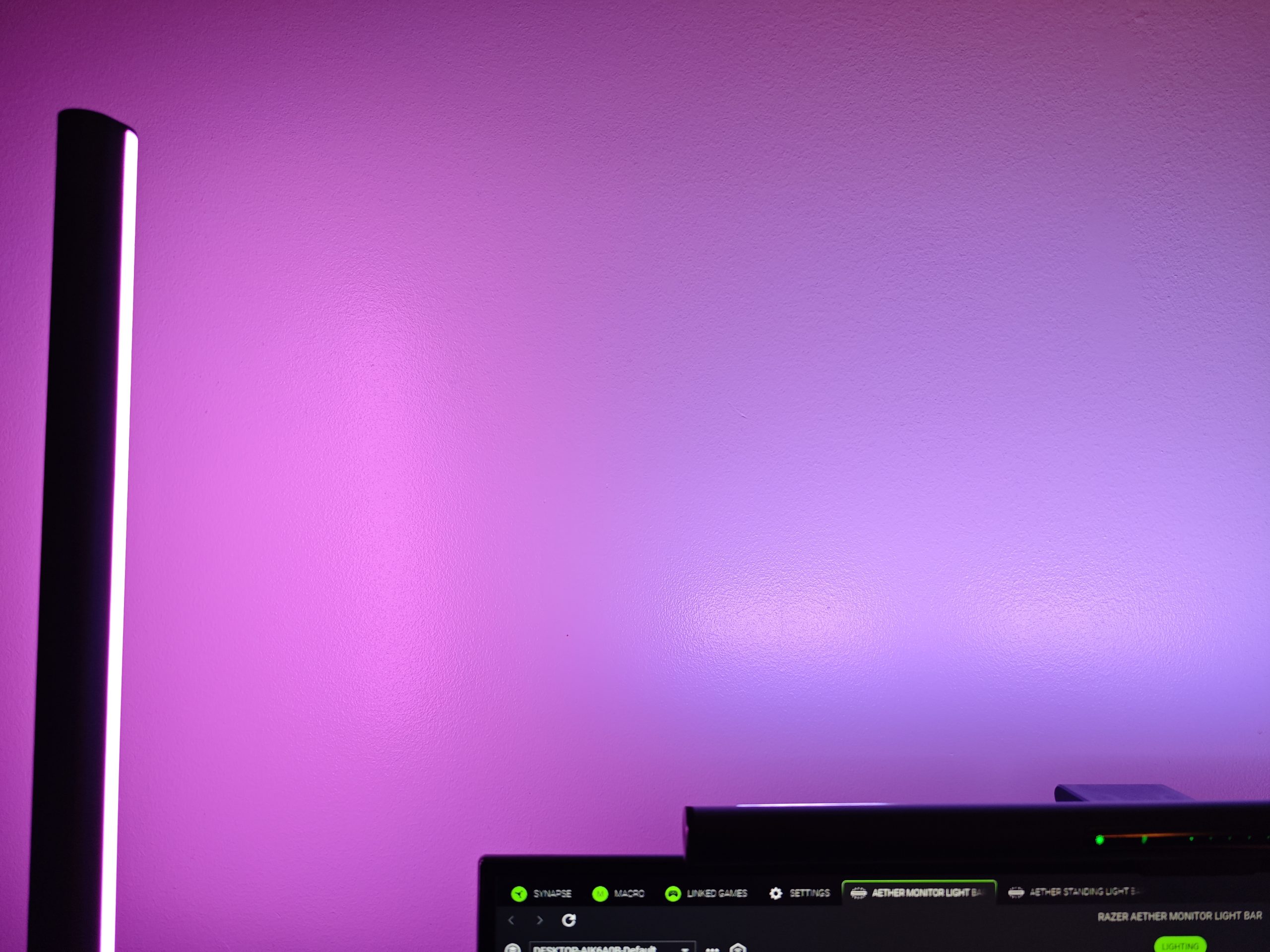
Furthermore, we observed that the RGB light on the Monitor Light Bar exhibits default color settings that diverge from those of the Standing Light Bars. While not universally consistent, in certain instances, the Monitor Light Bar displayed a noticeably bluer luminescence. Additionally, its brightness falls short of the Standing Light Bars, a difference attributable to its smaller physical dimensions.
The Verdict – Aether Monitor Light Bar
While the comprehensive Synapse 4 software is undeniably capable, its management remains regrettably complex. Optimal management is achieved when all lighting units are connected to and controlled by a single device, though this ideally shouldn’t be a prerequisite for seamless operation. This particular issue, however, cannot be attributed to the Monitor Light Bar itself. Nonetheless, the lamp unit offers user-friendly operation, is relatively straightforward (read: again, Synapse 4) to configure for advanced functionalities, and provides appealing rear-facing RGB illumination, albeit with potential for increased brightness. The integrated desk lamp concept is ingenious, notwithstanding the potential for glare on glossy keyboard surfaces, effectively transforming the workspace into a more adaptable and pleasant environment. This is particularly beneficial for tasks requiring illuminated keys, such as music production.
(Photo: Razer)
Priced at approximately 1,600 SEK, the Aether Monitor Light Bar offers commendable value, given its robust build quality and feature set. Two notable competitors, though not directly tested by us, provide comparable functionalities. The BenQ Screenbar Halo 2 (approx. 2,200 SEK) includes a compact remote control but offers only white backlighting. Conversely, the Asus ROG Monitor Aura Light Bar (approx. 1,600 SEK) largely mirrors its feature set, including RGB backlighting. Consequently, the Aether Monitor Light Bar is positioned competitively within its market segment, neither at the premium nor entry-level end of the spectrum.
In conclusion, our assessment of the Aether Monitor Light Bar largely aligns with our findings for the Razer Standing Light Bars: we recommend it for its superior lighting capabilities, intelligent desk illumination, robust functionality, and impressive build quality.
Razer provided review units for this test. Material providers have no editorial influence on our tests; we always write independently, with our readers and consumers as our focus.
